
How to Find Old Target Receipts and Return Barcodes for Returns, Budgeting, and Medical Expense Records
A practical guide to recovering Target receipts, invoices, and return barcodes so you can handle returns, categorize spending, and keep stronger records for medical purchases.
If you are trying to stay inside Target's return window, clean up your household spending review, or document a medical purchase for HSA or FSA records, the detail you need usually is not on your card statement. Target's current account tools can surface receipts, invoices, purchase history, and return barcodes, but the path depends on whether the purchase was made online or in store and whether the transaction was linked to your account at checkout.
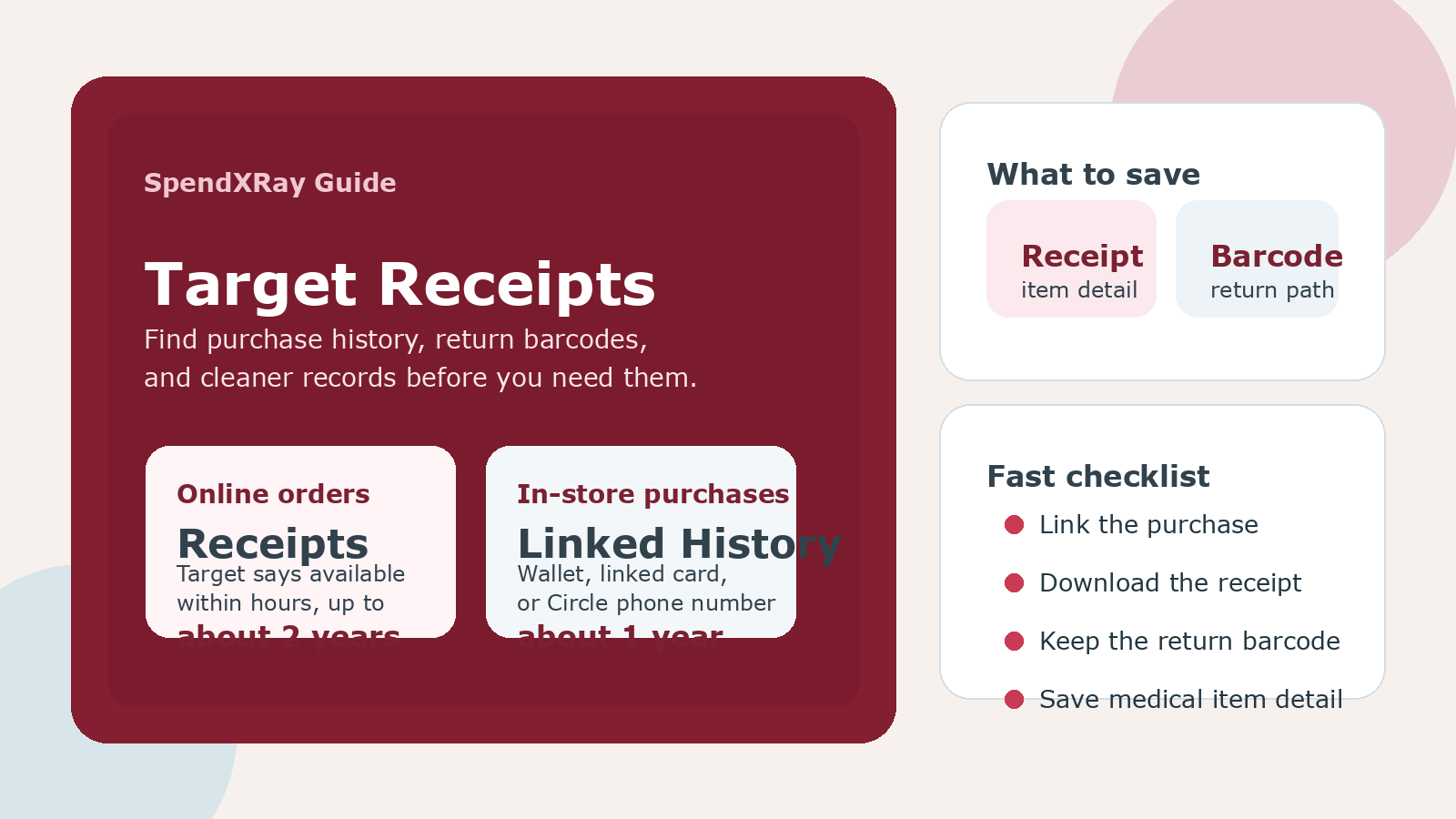
That matters now because Target's help documentation gives shoppers more precise self-service paths than many people realize. For Target.com purchases, receipts and invoices are available in your account within a few hours and for up to approximately two years. For many in-store purchases, Target says details can appear within a few hours and remain available for up to approximately one year if the purchase was connected to your Target account through Wallet, a linked payment card, or your Target Circle phone number.
If you know which record Target stores, and when it may not be available, you can waste less time during a return, keep cleaner budgeting records, and save better proof for medical or tax-related documentation.
What Target can show you online
Target separates online orders from in-store purchase history, and the retention window is not the same for both.
| Purchase type | Where to find it | What Target says is available | Approximate availability window |
|---|---|---|---|
| Target.com order | Target account or Target app purchase history | Receipt, gift receipt, detailed invoice, return barcode | Within a few hours, up to about two years |
| In-store purchase linked to your account | Orders on Target.com or Purchases in the Target app, toggled to In-store | Purchase details and return barcode for eligible items | Within a few hours, up to about one year |
The practical takeaway is simple: if you think you may need a Target record later, make sure the purchase is tied to your account while the transaction is happening, not after you discover you need proof.
How to get a receipt or invoice for a Target.com purchase
Target's current help page says online transaction records should appear within a few hours and remain available for up to approximately two years. On the app, the path is Account, then Purchase history, then the order, then Receipts, then View. On the website, the path is your Target account, then Purchase History, then View order, then Receipts and invoices.
From there, Target says you can:
- present the barcode to Guest Services for a return,
- print receipts,
- print a gift receipt, and
- view a detailed invoice.
That detailed invoice matters when you need more than a payment confirmation. For budgeting, it gives you cleaner item-level context than a card statement. For expense records, it is often the fastest way to recover what you bought, not just where you shopped.
How in-store purchases show up in your Target account
Target says in-store purchase details can appear in your account when one of the following happened at checkout:
- your Wallet barcode was scanned to apply Target Circle offers,
- your Wallet barcode was scanned to apply a payment tender linked to your account,
- a saved payment card in your account was physically swiped at the register, or
- you entered a phone number linked to your Target Circle account.
Target also says these in-store details are generally available within a few hours and for up to approximately one year. If the purchase does not display, the company advises checking whether your payment card is associated with your account.
This limitation matters because not every in-store payment method creates the same record trail. Target says purchases made with a Target GiftCard that is not linked to Wallet, check, or cash are not available in purchase history unless the Wallet barcode was scanned in the app.
How to find the return barcode for a Target purchase
For in-store returns of eligible purchases, Target says you can bring one of three things to Guest Services:
- a valid receipt,
- a return barcode, or
- the credit or debit card used to make the purchase so the store can attempt a receipt lookup.
If the purchase is linked to your account, the return barcode can be pulled from Target.com or the Target app. For in-store purchases, the help flow is to open your account, switch to In-store orders or purchases, locate the item, and then open the Return option or barcode view. For online purchases, the barcode is available from the order's receipt and return path.
This is one of the easiest recordkeeping wins at any large retailer: if you think a purchase may come back, capture the return barcode or receipt as soon as the item is delivered instead of waiting until the return deadline is close.
What if you do not have a receipt?
Target says it can often still help, but the outcome depends on how the purchase was made. The company says receipts and return barcodes can be accessed from your Target account for online purchases and for in-store purchases tied to your account. It also says stores may be able to look up receipts for online and in-store purchases when you bring the item and the original payment method to Guest Services within the allowed return window.
Target specifically says store lookup may work for purchases made with a Target Circle Card or third-party Visa, Mastercard, American Express, and Discover credit cards. If you do not have proof of purchase, Target says you may receive a refund in the form of a merchandise return card instead.
That is an important distinction. A lookup is not the same as having a full receipt you can keep for your own records, and a merchandise return card is not the same as a reversal back to your original payment method.
How long is the Target return window?
Target's current return policy says most unopened items sold by Target in new condition and returned within 90 days will receive a refund or exchange. The same help documentation says Target Circle Card holders and Target Circle 360 members get an extra 30 days to return nearly all items purchased with a Target Circle Card, subject to exclusions. For many Target Plus items, the help page says the return window is 30 days instead of 90.
The important operational point is not to memorize every exception. It is to save the proof while the order is fresh, because return eligibility and refund method can change fast once the receipt trail gets weak.
Why this matters for budgeting and spending reviews
Large-box retailer orders are messy for budgets because one Target order can mix groceries, toiletries, cleaning supplies, school items, electronics, and over-the-counter health purchases. A card statement line only tells you that money went to Target. It does not tell you which spending category should carry the cost.
A recovered Target receipt or detailed invoice gives you a better answer to three common questions:
- Was this really a household-goods purchase, or was it mostly groceries?
- Which items were returned, replaced, or refunded later?
- Was any part of the order medical, HSA-eligible, or worth saving separately?
That is where SpendXRay fits naturally. If SpendXRay imports the order and your Target receipt or invoice supplies item detail, you can review spending with much cleaner category logic than a generic merchant line on your statement can provide by itself.
Why this matters for medical expense records
If you buy contact lens supplies, first-aid items, over-the-counter medical products, or other potentially reimbursable items at Target, the IRS documentation standard is higher than simply proving that a card was charged. Publication 969 says you must keep records sufficient to show that HSA distributions were used only for qualified medical expenses, that the expenses were not reimbursed from another source, and that they were not claimed as an itemized deduction in another year.
Publication 502 also makes the point that the substance of the expense matters. Medical expenses are amounts paid for diagnosis, cure, mitigation, treatment, or prevention of disease, and not everything sold in a big-box or pharmacy aisle qualifies. That means an itemized Target receipt or invoice is much more useful than a bare statement line that only shows the merchant and total amount.
A practical Target recordkeeping workflow
- Link your card to your Target account or use Wallet or your Target Circle phone number before the next in-store purchase.
- For Target.com purchases, save the receipt or detailed invoice when the order appears instead of assuming it will always be easy to find later.
- If the item might be returned, capture the return barcode while the order is still fresh.
- For mixed carts, mark which items belong to groceries, household supplies, medical purchases, or another category.
- For medical items, keep the detailed receipt with your reimbursement or tax records, not just with your general budgeting file.
- Before the return window closes, verify whether the order is still inside Target's current policy and whether any item-specific exception applies.
What to do next
If Target purchases are part of your normal household spending, test the record path now instead of during a return or reimbursement scramble. Open your Target account, confirm your payment methods are linked, check whether past in-store purchases are showing up, and download at least one recent online receipt and one detailed invoice. That small setup work can save time later and give you cleaner spending records.
Conclusion
Old Target receipts are recoverable in many cases, but not by one universal method. Online purchases usually give you the longest self-service window. In-store purchases depend more heavily on whether the transaction was tied to your account when you checked out. If you want smoother returns, better budgeting detail, or stronger medical-expense documentation, the safest move is to link the purchase early and save the receipt before you need it.
Sources
- Target Help: How do I get a receipt or invoice for a Target.com purchase?
- Target Help: How do in-store purchases show up in my Target.com account and Target app?
- Target Help: How do I return an item that I purchased at a Target store?
- Target Help: Can I return or exchange an item without a receipt?
- Target Help: What's the return policy?
- IRS Publication 969 (2025), Health Savings Accounts and Other Tax-Favored Health Plans
- IRS Publication 502 (2025), Medical and Dental Expenses