
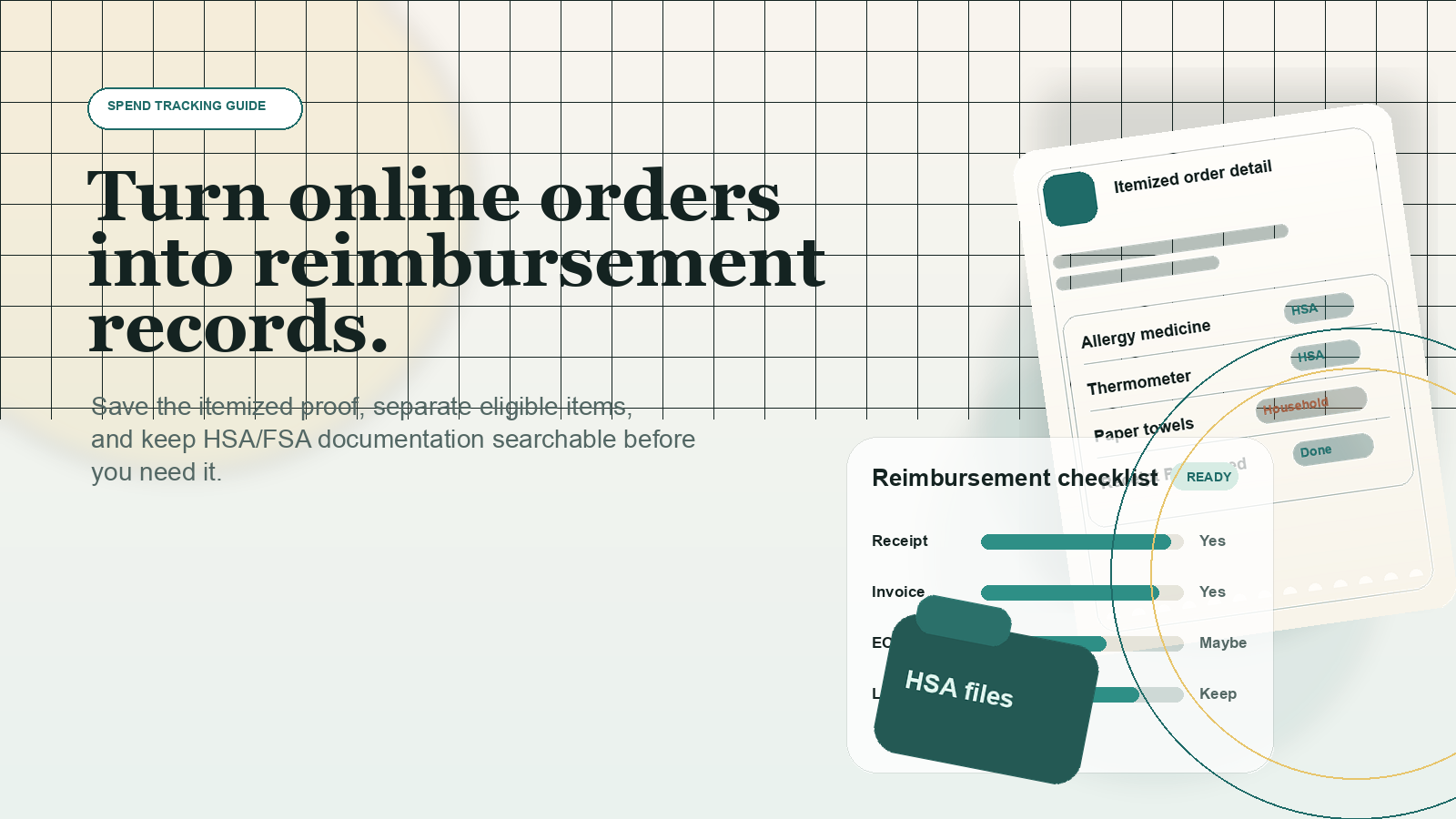
How to Turn Online Orders Into HSA/FSA Reimbursement Records
A practical guide to saving the right receipts, invoices, and order details for online medical purchases so you can substantiate HSA and FSA reimbursements later.
Buying health items online is easy. Proving what you bought later is the harder part.
That matters because HSA and FSA tax treatment depends on documentation. The IRS says HSA owners must keep records showing distributions were used only for qualified medical expenses, were not reimbursed from another source, and were not also claimed as an itemized deduction. For health FSAs, IRS guidance says reimbursements generally require a written statement from an independent third party showing the expense was incurred and the amount.
In practice, that means a card statement is not enough, a shipping email is often not enough, and a mixed retail order can create avoidable problems if you do not save the right records when you buy.
This guide explains what to keep, how HSA and FSA rules differ, and how to turn online orders from retailers such as Walmart, Target, Walgreens, and Sam's Club into reimbursement-ready records.
What the IRS actually requires
For HSAs
IRS Publication 969 says you must keep records sufficient to show all of the following:
- the distribution was used exclusively to pay or reimburse qualified medical expenses,
- the expense was not previously paid or reimbursed from another source, and
- the expense was not also claimed as an itemized deduction.
The same publication also says HSA reimbursements are allowed only for qualified medical expenses incurred after the HSA was established.
One important distinction: the IRS does not require you to reimburse yourself from an HSA in the same year you paid the expense. Publication 969 states that you do not have to make withdrawals from your HSA each year. That flexibility is useful only if your records are strong enough years later.
For health FSAs
IRS Publication 969 sets a stricter substantiation framework for health FSAs. Reimbursements generally must be supported by a written statement from an independent third party showing that the medical expense was incurred and the amount of the expense. FSA claims are also tied to the plan's coverage period, and plan features such as grace periods or carryovers can vary.
If you use an FSA administrator, follow its claim rules exactly. Federal FSAFEDS guidance is a good illustration of what many administrators look for: an itemized receipt or explanation of benefits, not just proof of payment.
Why online orders create documentation problems
Online retailers are convenient, but reimbursement records often break down for predictable reasons:
- One order may include both eligible and ineligible items.
- The payment confirmation may show only a total, not the item details.
- Substitutions, split shipments, and returns can change what was actually purchased.
- Promotions, coupons, Walgreens Cash, or Walmart credits can affect the amount you really paid.
- You may remember that an order included a qualified item but not have a clean itemized record when you need reimbursement.
The fix is straightforward: save the itemized order evidence at the time of purchase, then keep it in a system that lets you find the exact item again later.
The minimum record set to save for each purchase
For most online HSA or FSA purchases, keep this five-part record set:
- Itemized receipt, invoice, or order detail page
This should show the merchant, purchase date, item names, and amounts. - Proof of what was actually fulfilled
If the order was split, substituted, partially canceled, or returned, save the final delivered order detail or invoice. - Supporting medical documentation when required
If an item needs a prescription or letter of medical necessity under your plan, keep that too. - Insurance explanation of benefits if insurance was involved
This helps show what portion was not reimbursed elsewhere. - A reimbursement log entry
Record whether you already reimbursed yourself, from which account, and on what date.
If you only keep the last four digits of the card and the order total, you have proof of payment, not full substantiation.
HSA vs. FSA: what is different in practice?
| Issue | HSA | Health FSA |
|---|---|---|
| When the expense must occur | After the HSA was established | During the plan coverage period, subject to plan rules |
| How fast you must reimburse yourself | No IRS rule requiring same-year withdrawal | Usually tied to claim deadlines and plan administration |
| What documentation matters most | Records proving the expense was qualified and not double-reimbursed | Itemized substantiation from an independent third party, often with administrator-specific requirements |
| Why recordkeeping fails | People wait years and cannot reconstruct the purchase | People submit proof of payment instead of itemized proof |
General tax rule and plan administration are not always the same thing. Even when an expense is generally eligible under IRS rules, your FSA or HRA administrator may require a specific format or additional substantiation before reimbursement.
What major retailers let you retrieve later
Walmart
Walmart says you can print a receipt from Purchase History by going to your account, selecting Purchase History, opening the order details, and using the print icon. Walmart also says the barcode at the bottom of an order in Purchase History can serve as proof of purchase. For in-store purchases, Walmart offers receipt lookup when you have store, date, amount, and card details.
Walmart also maintains a dedicated FSA/HSA help page and marks eligible items with an FSA/HSA badge on product pages.
Target
Target says Target.com purchases can be found in Purchase History, and from the order detail page you can open Receipts and invoices. Target specifically says you can review a detailed copy of the transaction by selecting View detailed invoices. Target's help content says these transactions are available within a few hours and for up to approximately two years.
Walgreens
Walgreens says orders placed through your Walgreens.com account can be found in Purchase History, where you can view and print order details including a copy of your receipt or invoice. Walgreens also says FSA-eligible products in the current order are identified on the order confirmation page, and that page can be printed for reimbursement use.
Sam's Club
Sam's Club says you can use Purchase History to locate orders, select See details, and then view, download, or print receipts. Its help content also says older purchase-history requests can be submitted through a request form, and that receipts from recent years can be printed from account history.
How to build a reimbursement-ready workflow
1. Save the detailed record, not just the email
The best version of your record is usually the detailed order page, receipt PDF, or invoice page inside your retailer account. Save that file or PDF while the order is still easy to find.
2. Separate mixed carts
If you are buying clearly medical items together with groceries, home goods, or toys, separate orders can reduce cleanup later. That is not required by the IRS, but it makes documentation cleaner.
3. Keep the net amount you actually paid
If an order used credits, rewards, or promotions, make sure the saved record reflects the final amount tied to the eligible item. If you later return part of the order, update your reimbursement log so you do not reimburse yourself for an amount you did not ultimately bear.
4. Track whether the expense was already reimbursed elsewhere
The IRS rule against double reimbursement matters. If insurance, an HRA, an FSA, or another benefit already covered part of the cost, note the unreimbursed amount and keep the explanation of benefits if relevant.
5. Keep plan-specific extras with the purchase record
Some expenses require a prescription, a diagnosis, or a letter of medical necessity depending on the item and the plan. Store that document next to the receipt instead of assuming you will find it later.
6. Create a simple reimbursement ledger
A good ledger can be a spreadsheet, a note, or a tracking app. At minimum, include:
- purchase date,
- merchant,
- item description,
- amount eligible,
- account type used or planned for reimbursement,
- whether reimbursed yet, and
- link or filename for the saved receipt.
This is where SpendXRay can be useful: if your online order history is already centralized and itemized, you do not have to reconstruct which retailer order contained the item later. You still need to keep the supporting receipt or invoice, but the search problem gets easier.
What not to submit or rely on
FSAFEDS says credit card receipts, canceled checks, and balance-forward statements are not acceptable because they do not contain the itemized information needed to verify eligibility. That is a useful rule of thumb even outside FSAFEDS.
Be cautious about relying on any of the following by themselves:
- bank or card statements,
- shipping notifications,
- order confirmation totals without item detail,
- screenshots that omit price or date,
- retailer badges alone without the underlying receipt, and
- memory.
A practical checklist for every online medical purchase
- Check whether the item is generally a qualified medical expense under IRS rules.
- Confirm whether your plan requires extra substantiation such as a prescription or letter of medical necessity.
- Save the detailed receipt, invoice, or order-detail page the same day.
- If the order is mixed, note which line items are potentially reimbursable.
- If insurance or another account paid part of it, save the EOB or reimbursement record.
- Record the unreimbursed amount in your ledger.
- If you reimburse yourself later from an HSA, mark the reimbursement date so you do not duplicate it.
What to do next if your records are messy
If you already have a backlog, start with the highest-value orders first:
- prescriptions and pharmacy purchases,
- retailer orders that included several clearly medical items,
- orders from the year you opened your HSA, and
- unreimbursed purchases you may want to claim later.
Pull the itemized history from each retailer account, save the PDFs or screenshots in one folder, and create a basic ledger before trying to optimize anything else.
The goal is not perfect archival behavior. The goal is being able to show, later, what you bought, when you bought it, how much you paid, and whether that cost was already reimbursed.
Conclusion
HSA and FSA recordkeeping is mostly a documentation problem, not a tax-form problem. The IRS rules are manageable if you save the right record at the right time: an itemized receipt or invoice, proof of the final fulfilled purchase, and any plan-specific support you needed for eligibility.
If you make online purchases for medical or OTC items regularly, the simplest improvement is to stop treating retailer order history as disposable. Save the itemized record while it is easy to access, log the expense once, and future reimbursement decisions get much easier.
Sources
- IRS Publication 969 (2025), Health Savings Accounts and Other Tax-Favored Health Plans
- IRS Publication 502 (2025), Medical and Dental Expenses
- IRS Instructions for Form 8889 (2025)
- FSAFEDS: Eligible Health Care FSA Expenses and receipt guidance
- FSAFEDS FAQ: Credit card receipts are not acceptable supporting documentation
- Walmart Help: View Store Purchases and Find Receipts
- Walmart Help: Flexible Spending Accounts and Health Savings Accounts
- Target Help: Print a receipt
- Walgreens Help: How can I print a copy of my receipt?
- Walgreens Pharmacy Help: Prescription History and Records
- Walgreens: FSA/HSA Eligible Items Online and In-Store
- Sam's Club Help: Purchase History Request
- Sam's Club Help: How to find your receipts